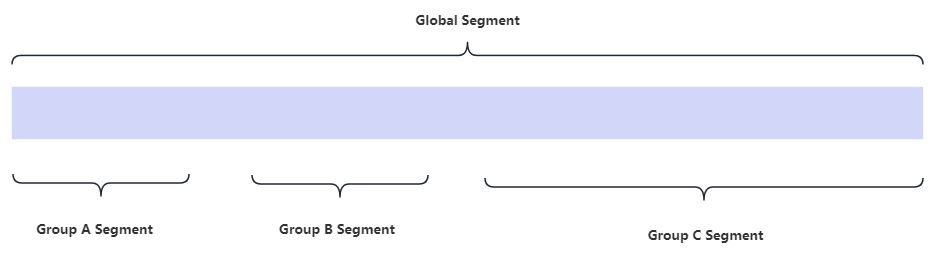
¶ 1. Global Segment
🚥Path: Settings > Trading Platform Settings > Server Settings > Add/Edit
You can set a segment with a start and an ending number , so that when someone applies a trading account, the number of his trading account falls within the segment you limited.
When someone applies a trading account, CRM will find out the largest number currently occupied within the segment you limited and add 1 on the largest number, thus a new number created and default to someone who applies.
¶ 2. Group Segment
🚥Path: Settings > Trading Platform Settings > Server Settings > Group > Synchronization > Edit
A trading server may have multiple groups, you can set different small interval segment for different groups.
The segment of a group must falls within the global segment you previously limited, and the segments of multiple groups cannot overlap.